

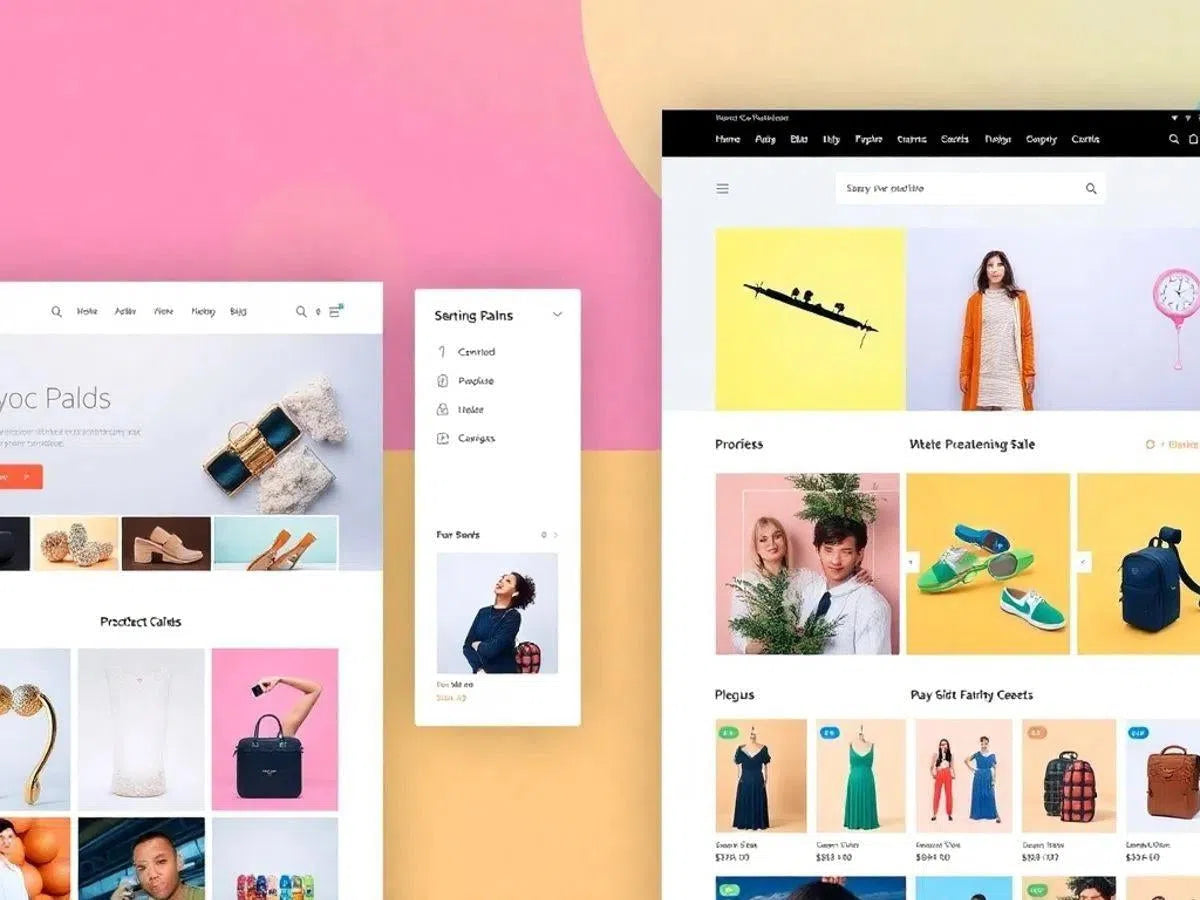
Shopify Store Design: 10 Tips for Creating an Attractive and Functional Layout in 2025
Creating an online store on Shopify may seem complicated, but with the right tips, you can do it without a headache. Let’s look at how to give your store a great look that works well in 2025. The secret is choosing the right design and adjusting a few details so your customers have a good experience. And best of all, you don’t need to be a design expert to do it. Let’s go!
Key Takeaways
- Choose a responsive layout to improve the user experience on mobile devices.
- Opt for minimalist themes for a clean, modern look that doesn't overwhelm the visitor.
- Ensure navigation is intuitive to make it easier to search for products.
- Use color palettes that are attractive and match your brand identity.
- Invest in high-quality images to highlight your products and attract more customers.
1. Responsive Layouts
In today's world, where everyone is glued to their phones, having a site that adapts to any screen is more than important—it’s mandatory. Let’s take a look at how you can ensure your Shopify store shines on any device.
- Use flexible layouts: Structures that adjust automatically are the key. Think of columns and sections that mold themselves according to screen size.
- Define breakpoints: Customize how your design changes between tablets and mobile phones. This is like adjusting the zoom so everything stays legible and beautiful.
- Optimize images: Heavy images can make your site slow. Use responsive sizes to ensure everything loads quickly.
- Consider touch targets: Buttons and links should be large enough to be clicked effortlessly on small screens.
- Test, test, test: It’s no use just planning; you have to see it in practice. Use tools to preview and adjust your design for all devices.
A responsive layout not only improves the user experience but can also positively impact your store's SEO. After all, who doesn't like a site that loads quickly and is easy to use?
For those just starting out, this article provides the basic concepts and some tools that can help you better understand responsive design. It's worth checking out!
2. Minimalist Themes

Minimalist themes are very trendy and are the perfect choice for those who want a clean and direct layout. Less is more, have you heard that before? Well, that’s the idea here.
Advantages of Minimalist Themes
- Loading Speed: With fewer elements, pages load quickly. This is great for keeping customers on the site, right?
- Focus on the Product: Without distractions, the product is what matters. The customer sees exactly what you want to show.
- Ease of Navigation: With a simple design, navigation becomes intuitive. The customer doesn't get lost and finds what they need effortlessly.
How to Choose the Right Theme
- Consider Brand Identity: The theme needs to reflect what your brand stands for.
- Check Customization: Even if it’s minimalist, it’s important that the theme allows for adjustments to fit your business’s look.
- Test on Different Devices: See how the theme behaves on mobile phones and tablets.
A minimalist theme is not just about aesthetics. It’s a strategy to highlight what really matters: your product and the customer experience.
If you are looking for such themes, check out the best free Shopify themes and templates that are blowing up in 2025. They are great for customizing your store without a headache. Choose one that aligns with your vision and you're good to go—success awaits!
3. Intuitive Navigation
Intuitive navigation is the heart of any successful online store. Facilitating the customer's journey is essential to ensure they find what they are looking for effortlessly. A well-planned navigation can turn visitors into loyal customers.
Tips for Intuitive Navigation
- Simple and Direct Menus: Avoid complicated menus. Use clear categories and subcategories that make sense. Think of intuitive navigation as a map: the easier it is to understand, the better.
- Visible Search Bar: Sometimes, the customer already knows exactly what they want. An efficient and easily accessible search bar can be the difference between a sale and a frustrated customer.
- Filters and Sorting: Offer filter options so users can narrow down their choices. Sorting by price, popularity, or new arrivals can help in the purchasing decision.
- Clear Visual Feedback: When something is clickable, make that clear. Use different colors or animations to highlight buttons and links. This helps guide the user without needing verbal instructions.
Easy navigation not only improves the user experience but can also increase your sales. Think of the shopping experience as a conversation: the more fluid and natural, the better.
Remember, your site's navigation should be like a good conversation: fluid, easy to follow, and without unnecessary complications. This way, you ensure that the customer reaches the final destination: the shopping cart.
4. Attractive Color Palettes

Choosing the right color palette for your Shopify store is like choosing the perfect outfit for a special occasion. Colors are the first thing visitors notice when entering your site, and they have the power to influence mood and purchasing decisions.
How to Choose the Ideal Color Palette
- Define Brand Identity: First of all, think about the message your brand wants to convey. Vibrant colors can transmit energy, while softer tones can suggest tranquility and elegance.
- Consider the Target Audience: What does your audience like? Bolder colors might attract a younger audience, while neutral tones might be more suitable for a more mature crowd.
- Test and Adjust: Don't be afraid to experiment! Use online tools to test different combinations and see which one aligns best with your store's identity.
Remember, a well-chosen color palette can work wonders for your store, providing a pleasant visual experience and increasing the perception of professionalism.
Examples of Color Palettes
- Neutral and Sophisticated: Brown color palettes offer versatility, warmth, and sophistication. They are ideal for stores looking for a more elegant look.
- Vibrant and Energetic: Perfect for brands that want to convey energy and dynamism, like youth fashion or sportswear stores.
- Pastel and Calming: Great for wellness or children's product stores, these colors convey serenity and comfort.
By choosing the right palette, you not only improve your store's aesthetics but also create an emotional connection with your customers. So, don't underestimate the power of colors!
5. Elegant Typography
Choosing the right typography is like finding the perfect tone for your store. It defines your site's personality and can directly influence the user experience. Good typography not only improves readability but also reinforces the brand identity.
Tips for Choosing the Ideal Typography
- Consider Reading on Different Devices: Make sure the font is legible on both large screens and smartphones. The experience should be consistent and pleasant.
- Harmonize with the Brand Style: The typography should reflect the style and message you want to convey. If your store is about classic fashion, opt for elegant serif fonts. For something more modern, sans-serif fonts might be the ideal choice. Find the ideal elegant serif font for your store.
- Limit the Number of Fonts: Using too many fonts can make the layout confusing. Try not to use more than two or three different fonts throughout the site to maintain visual harmony.
- Attention to Size and Spacing: Adjust font size and line spacing to ensure the text is easy to read. Small details make a big difference.
Typography is more than just pretty letters. It is an essential part of the design that speaks directly to the customer, often even before they read a word.
Remember, typography is a powerful tool. Use it to create an emotional connection with your customers and to guide navigation smoothly and intuitively. Good typographic design can transform the perception of your business and leave a lasting impression.
6. High-Quality Images
High-quality images are essential for any online store that wants to make a good impression. They not only attract attention but also help tell the story of your product. Here are some tips to ensure your images shine:
- Choose Professional Photos: Invest in professional photography or free stock image sites like Burst by Shopify, Pixabay, and Unsplash. This makes all the difference in the presentation of your product.
- Use High-Resolution Images: Ensure the images have high resolution so they look sharp on any device. Nobody likes to see a pixelated image.
- Show Different Angles: Offer multiple perspectives of the product. This gives the customer a more complete view and can help in the purchasing decision.
- Integrate Visual Elements: Use visual elements that complement your photos. This can include neutral backgrounds or settings that make the product stand out.
- Consider Lifestyle: Lifestyle photos, which show the product in daily use, can be very effective. They help the customer imagine how the product can be useful to them.
Remember, first impressions are lasting. Quality images can be the difference between a customer who buys and one who abandons the cart.
7. Social Media Integration
Nowadays, being present on social media is no longer optional for those who have an online business. Integrating your Shopify store with platforms like Facebook and Instagram is essential to create a fluid and direct shopping experience. This means your customers can view, like, and even buy your products without ever leaving the app they are using.
Why integrate?
- Increases visibility: Your products appear directly in users' feeds, which provides enormous exposure.
- Facilitates purchasing: With the "buy now" feature, your customers don't need to go through several steps to acquire a product.
- Direct engagement: Answering questions and receiving feedback instantly makes communication much more efficient.
How to do it?
- Initial setup: In Shopify, go to the sales channels section and add Facebook and Instagram. Follow the instructions to connect your accounts.
- Product synchronization: Make sure all your products are properly synchronized with the social platforms.
- Ads and promotions: Use the Facebook and Instagram ad tools to reach a larger audience.
Integrating your store with social media is not just about selling more, but also about creating a community around your brand. Your customers become followers and, eventually, ambassadors.
To learn more about how integrating Shopify, Facebook, and Instagram can improve your customers' shopping experience, consider exploring the features available on these platforms.
8. SEO Optimization
If you want your Shopify store to be found, SEO is the way! Let’s dive into the details of how to optimize your site for search engines.
On-Page SEO
- Keyword Research: Use tools like Google Keyword Planner to discover keywords that your customers are searching for.
- Title Tags and Meta Descriptions: Ensure every page has an attractive title and a meta description that includes your main keywords.
- Header Tags: Use H1, H2, H3 to organize your content and, of course, include keywords naturally.
- Alt Text for Images: Don't forget to add alt text to images to help search engines understand what they represent.
Technical SEO
- Site Speed: Fast sites are ranked better. Use Google PageSpeed Insights to check speed and improve where necessary.
- Mobile Responsiveness: Your site needs to work well on mobile phones. Test on different devices to ensure everything is in ship-shape.
- SSL Certificate: This is essential for security and also gives a little boost to SEO.
- XML Sitemap: Submit an updated sitemap to search engines so they know how to navigate your site.
Remember, SEO is a marathon, not a 100-meter dash. Results come with time, but when they do, they are worth every second of effort!
Content Strategies
- Long and Detailed Content: Longer articles tend to perform better. Aim for 1,500 words or more.
- Internal Links: Create links between related pages to help visitors and distribute SEO value.
- Fresh Content: Update your site regularly with new information and trends.
For practical tips on how to optimize Shopify for subscriptions, check out personalized optimization tips.
9. Shopping Cart Functionality
The shopping cart functionality is like the heart of any online store. That’s where the magic happens, where the customer decides whether or not to finalize the purchase. A well-designed cart can significantly increase your sales. Let’s talk about how to optimize this crucial part of your site.
- Simplify the Process: Nobody likes a complicated purchasing process. Reduce the number of steps required to finalize the purchase and offer the option to skip directly to checkout. This not only saves the customer time but also increases shopping efficiency.
- Transparency is Key: Clearly show the items in the cart, with prices, taxes, and any other additional costs. This avoids unpleasant surprises at checkout and increases customer trust.
- Offer Payment Options: The more payment methods you offer, the better. Consider integrating options like credit cards, PayPal, and even instant payment methods.
- Upselling Features: Use the cart to suggest complementary products or upgrades. This can be done subtly, without being invasive.
An efficient cart is not just about design, but about creating a frictionless shopping experience. When the customer feels comfortable, they tend to spend more.
Finally, remember to test your cart functionality regularly. A small bug can mean losing many sales. Keep an eye on it and keep everything running smoothly.
10. Theme Customization
Customizing your Shopify store's theme is like adding a personal touch to your virtual space. It's not just about making the site look good, but also about reflecting your brand's essence. Let's dive into tips to make your store look just like you!
Why customize? Simple! You want your store to stand out and offer a unique experience for customers. Customization allows you to adapt the layout, colors, and even typography to authentically convey your brand identity.
Steps to Customize Your Theme
- Choose a Base Theme: Start with a theme that already has a structure close to what you imagine. This makes adjusting the details much easier.
- Change Colors and Fonts: Use your brand's color palette and choose fonts that match your style. Good contrast between text and background is essential for readability.
- Add Extra Features: Consider including customized email marketing campaigns to engage your customers more directly and increase your sales.
Golden Tips
- Consistency is key: Maintain a visual pattern across all pages so that navigation is fluid and intuitive.
- Test on different devices: Ensure your customization works well on both desktops and mobile devices.
- Ask for feedback: Before launching, ask for opinions from friends or loyal customers. Sometimes, an outside perspective can help identify areas for improvement.
Remember, customizing is about more than just aesthetics; it's about creating a connection with those who visit your store. Make every detail count!
With these tips, your Shopify store will not only look amazing, but will also provide an unforgettable shopping experience for your customers.
Conclusion
Hey everyone! We've reached the end of our chat on how to give your Shopify store that attention-grabbing look while keeping it super functional. We've seen that you don't need to be a design expert to create a cool layout. With the tips we've discussed, you can customize your store to fit your brand identity and, as a bonus, make life easier for your customers when they browse and shop. So, let's get to work and turn your store into a sales success in 2025! See you next time!
Frequently Asked Questions
What is a responsive layout?
A responsive layout is one that adapts to different screen sizes, such as mobile phones, tablets, and computers, ensuring that the site looks good and is easy to use on any device.
Why should I choose a minimalist theme for my store?
Minimalist themes are popular because they offer a clean and organized look, helping customers focus on the products without unnecessary distractions.
How can I improve my online store's navigation?
To improve navigation, use clear and simple menus, well-defined categories, and an efficient search bar to help customers quickly find what they are looking for.
What is the importance of colors in my store?
Attractive colors can catch customers' attention and convey your brand's identity. Choose colors that match the style and message you want to project.
How do I choose the right typography for my store?
Choose typography that is easy to read and matches your store's style. Elegant fonts can add a special and professional touch to your site.
Why should I use high-quality images?
High-quality images help show product details, making them more attractive to customers and increasing the chances of a sale.

Written by Paolo Werneck Orlando